
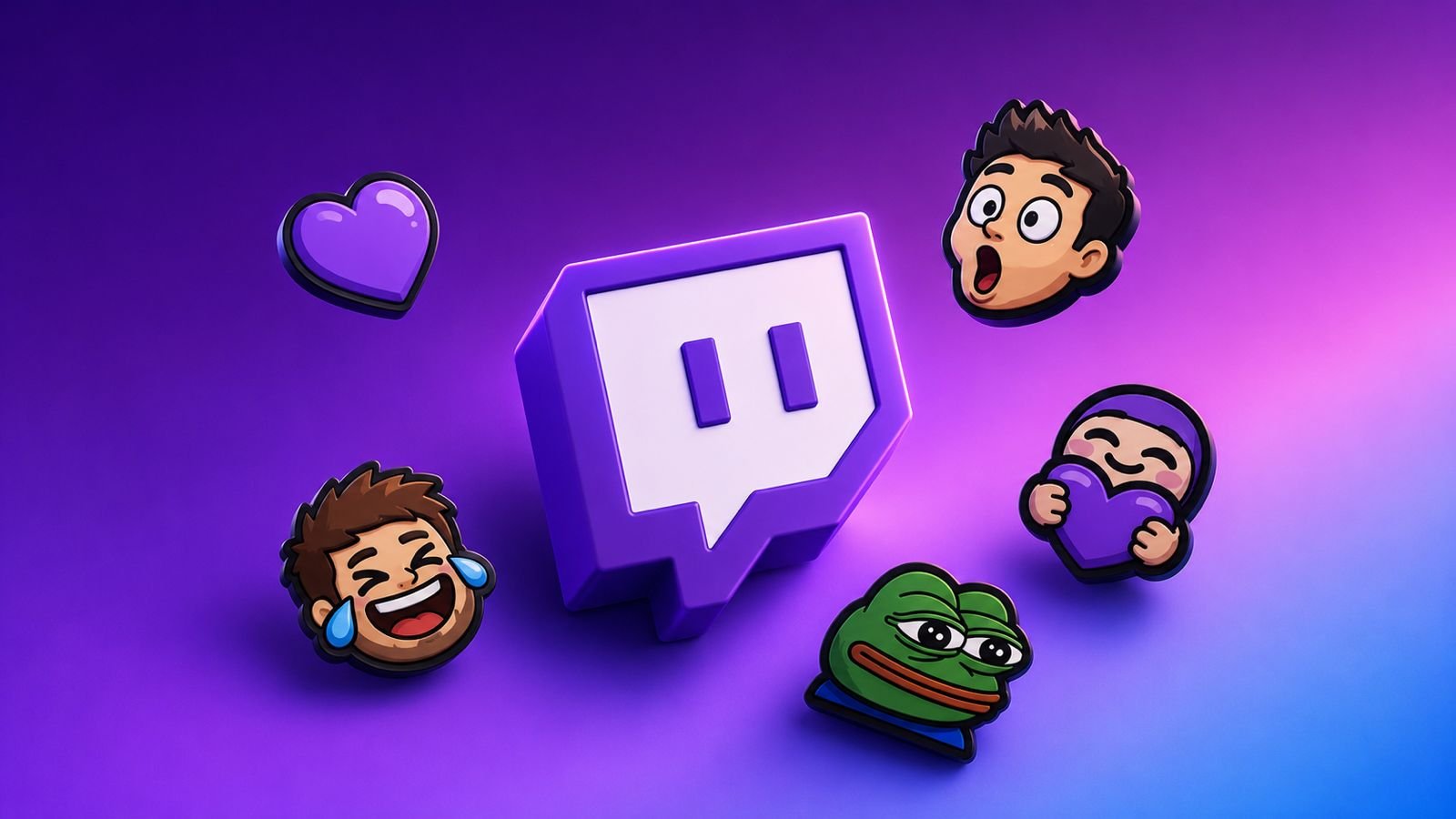
Custom emotes help channels build stronger communities. They reward loyal subscribers with unique chat features.
These small images also strengthen channel branding. Adding Emotes to Twitch helps creators grow their audience.
Understanding Twitch Emotes
Twitch emotes are small images used in chats. They appear during exciting or funny stream moments. Viewers use emotes instead of regular text messages.
Each emote usually carries a specific meaning. Many emotes have become important streaming symbols. Custom emotes offer extra value for subscribers. They give communities a stronger shared identity.
Subscribers enjoy using exclusive channel-specific emotes. These emotes make conversations more entertaining daily. They also help viewers feel more connected.
Many successful streamers use custom emotes regularly. Unique designs make channels easier to recognize. Creative emotes can become popular across Twitch. They help channels stand out from competitors.
Who Can Add Emotes to Twitch?
Not every Twitch account can upload emotes. Custom emotes require Affiliate or Partner status. Basic Twitch accounts cannot upload emotes yet. Creators must first unlock required account levels.
Twitch Affiliates receive access to emote uploads. This feature becomes available after acceptance. Affiliates can create emotes for subscriber tiers. More emote slots unlock through channel growth.
To become a Twitch Affiliate, creators must:
- Reach fifty followers.
- Stream for eight total hours.
- Stream on seven separate days.
- Maintain three average viewers.
These goals must be completed within thirty days. Meeting requirements does not guarantee instant approval. Twitch reviews accounts before granting Affiliate status.
Many creators use several growth strategies successfully.
Check Your Analytics
Analytics reveal valuable audience behavior information. They help creators improve future stream performance. Studying data supports better content decisions.
Collaborate With Other Streamers
Collaborations introduce channels to new audiences. Working together helps creators grow faster. Partnerships often create valuable long-term relationships.
Build a Strong Community
Friendly communities encourage viewers to return. Active members often support creators consistently. Community building remains important for growth.
Attend Events and Conferences
Industry events create networking opportunities. Creators learn useful streaming knowledge there. Many partnerships begin during these gatherings.
Stay Active on Social Media
Social media expands audience reach significantly. Regular posts keep followers informed and engaged. Cross-platform promotion supports channel growth.
How to Create Emotes
Creating custom emotes requires careful planning. Good emotes should match channel personality. Many creators use faces, logos, or mascots. Simple designs often work best in chats.
Emotes appear very small during conversations. Complex details may become difficult to see. Clear expressions usually create better results.
Creators can use image editing software. Many free and paid tools exist. These tools help create professional emotes. Editing software also supports image resizing.
Custom emotes should reinforce channel branding. Consistent designs strengthen audience recognition. Viewers quickly associate emotes with channels.
Twitch Emote Size Requirements
Twitch has specific requirements for emotes. Every uploaded image must follow these rules.
Important emote requirements include:
- Square image format only.
- Minimum size 112 x 112 pixels.
- Maximum size 4096 x 4096 pixels.
- File size below one megabyte.
Images should be prepared before uploading. Proper sizing prevents display problems later. Quality images improve viewer experience greatly.
Twitch provides an automatic resizing feature. This tool simplifies the upload process. Many creators use this convenient option.
If needed, creators can resize manually. Common manual sizes include these dimensions:
- 112 x 112 pixels
- 56 x 56 pixels
- 28 x 28 pixels
Manual resizing offers greater control sometimes. It can improve appearance across devices.
Uploading Custom Emotes
Uploading emotes happens through the Creator Dashboard. The process is simple and straightforward.
Follow these steps carefully:
- Open the Twitch website.
- Click your profile avatar.
- Select Creator Dashboard.
- Open Viewer Rewards section.
- Click the Emotes option.
- Choose a subscriber tier.
- Click the plus icon.
- Select the upload button.
- Choose an image file.
- Upload the selected emote.
- Enter a custom emote code.
- Confirm the upload process.
The emote code activates chat usage. Viewers type this code in chats. The code then displays the emote.
Creators can upload multiple emotes. The number depends on account progress. Growth milestones unlock additional emote slots.
Subscriber Tiers and Special Emotes
Twitch offers several subscriber levels. Different tiers unlock different emote rewards.
Tier 1 Emotes
Tier One emotes reach basic subscribers. Most creators begin with these emotes. They usually receive the highest usage.
Tier 2 and Tier 3 Emotes
Higher tiers provide exclusive emote access. Only premium subscribers can use them. These emotes offer additional membership value.
Bit Emotes
Affiliates can unlock bit emotes gradually. These become available through cheering milestones. Viewer support helps unlock more options.
Partner Benefits
Partners receive advanced emote features. They can access emote modifiers too. Partners often receive more emote slots.
Special cheermotes may also become available. Some creators gain access to animated emotes.
Twitch Emote Rules and Guidelines
Every uploaded emote must follow guidelines. Violations can result in removal quickly. Creators should review rules carefully.
The following content is prohibited:
- Hateful conduct
- Harassment
- Threats of violence
- Obscene content
- Sexual content
- Gasm-style emotes
- Nudity
- Illegal drugs
Additional prohibited content includes:
- Vulgar language
- Encouraging guideline violations
- Political content
- Certain animations
- Individual letters
- Individual characters
- Brand guideline violations
- Copies of Twitch global emotes
Following guidelines protects channels from problems. Safe content improves platform experiences overall.
Alternatives for Non-Affiliates
Many viewers ask about emote alternatives. Custom uploads require Affiliate or Partner status. Without those levels, uploading remains unavailable.
Subscribers can still access channel emotes. Subscription grants permission to use them. These emotes often work across Twitch chats. Twitch Turbo also provides extra emotes. Many users enjoy additional platform benefits.
Another option is Better Twitch TV. Many users call it BTTV. This browser extension adds extra emotes. Popular examples include catJAM and PepeHands. OMEGALUL remains another commonly used example.
Without BTTV, users see plain text. Extension users see actual emote images. These community emotes remain highly popular.
The Bottom Corner
Add Emotes to Twitch and strengthen communities. Custom emotes reward subscribers and encourage support. Affiliates and Partners can create unique designs.
Following Twitch rules ensures smooth approval. Well-designed emotes improve branding and engagement. They help channels grow through stronger connections.